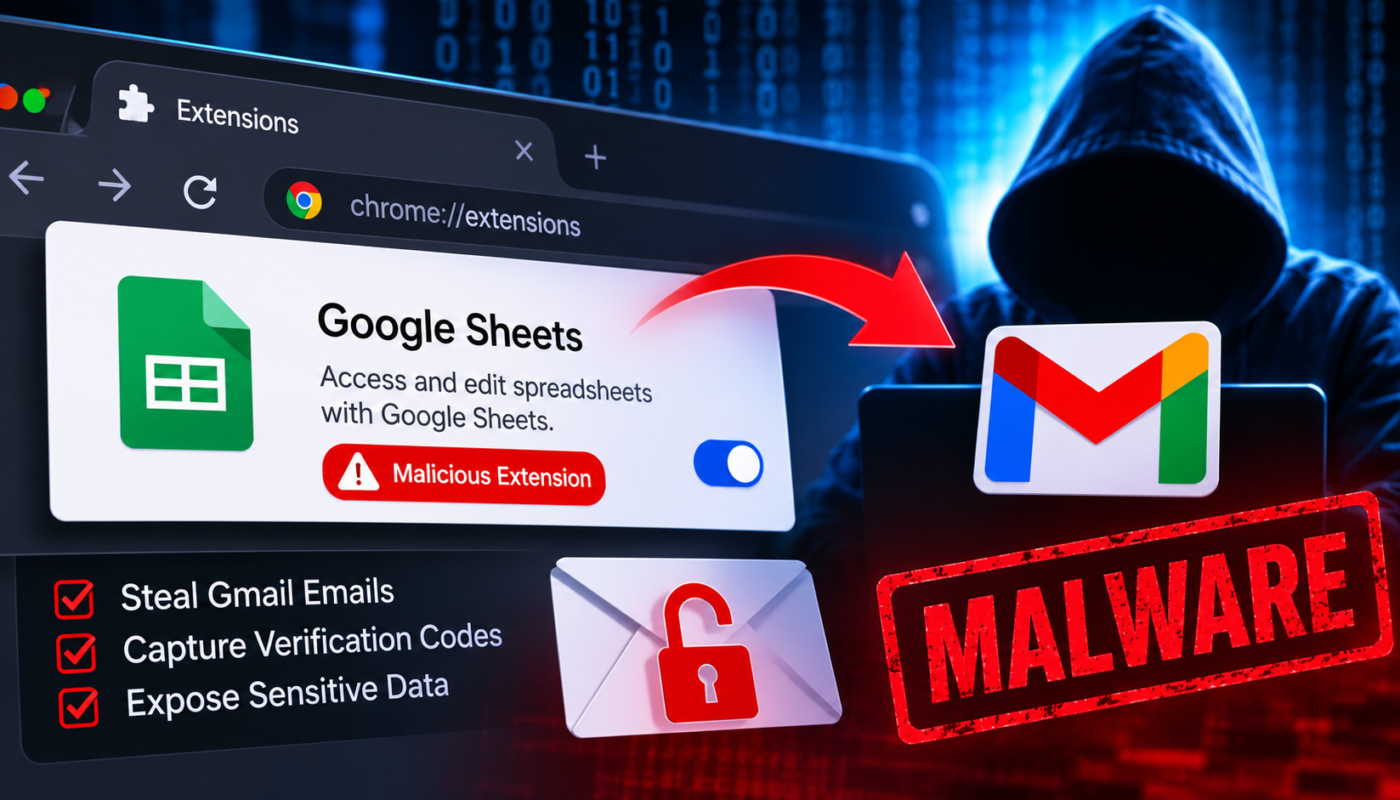
The Remus Stealer malware is using a fake Google Sheets Chrome extension to steal Gmail messages, potentially exposing verification codes, account information and sensitive correspondence.
The attack relies on modifying Chrome profiles to install a malicious extension that accesses Gmail through the victim’s existing browser session.
According to technical analysis from Gen Threat Labs, the email interception capability is delivered through Remus’ dynamic configuration rather than being built directly into the malware’s core executable.
The operators began advertising the feature on November 8, 2026, claiming it could maintain mailbox access even after victims changed their passwords or revoked active sessions.
However, Hudson Rock’s investigation found no independently verified Gmail vulnerability or controlled demonstration proving access could survive comprehensive account recovery.
Remus Stealer modifies Chrome profiles to install extension
The infection begins when Remus receives encrypted configuration fragments from its command-and-control server. The fragments use ChaCha20 encryption, with Base64 encoding and XOR obfuscation applied to selected values.
After decoding the configuration, the malware manually maps a native DLL into its own memory space. The DLL contains a ZIP archive holding the malicious extension, which is extracted into the victim’s temporary directory using PowerShell.
Remus then identifies Chrome profiles and modifies their Preferences or Secure Preferences files to register the unpacked extension. It enables Developer Mode and recalculates HMAC-SHA-256 integrity values, including the additional super_mac where applicable.
The malware also backs up the original preferences, attempts to terminate Chrome and restores the previous browser session after making the changes.
This installation method avoids the traditional command-line extension-loading approach.
Google removed the commonly abused –load-extension flag from official Chrome builds beginning with Chrome 137, making direct browser profile modification relevant to this campaign.
Fake Google Sheets extension extracts Gmail messages
The installed extension impersonates Google Sheets while using a description copied from Google Docs Offline. Its manifest requests access to all URLs, alongside storage and alarms permissions.
A background service worker checks Gmail every minute through its Atom feed, querying account indexes zero through nine. It uses the browser’s existing authenticated session to retrieve unread-message identifiers, senders, subjects, timestamps and message snippets.
The extension then requests individual messages through Gmail’s attachment-view endpoint. It obtains their raw MIME content and parses the email headers and message bodies.
Extracted information, including subjects, decoded message text, sender details, the victim’s email address and a campaign identifier, is transmitted to attacker-controlled infrastructure through HTTPS POST requests.
Failed transmissions are placed in a retry queue that uses exponential backoff. Local extension storage also tracks previously transmitted messages to prevent duplicate collection.
The analysis found that although the extension parser records attachment filenames, the examined implementation does not transmit attachment names or contents.
Password changes do not prove independent mailbox access
The distinction between browser-based theft and independent Gmail access is important. The extension relies on an authenticated browser session rather than a demonstrated method of bypassing Google’s authentication controls.
If victims sign back into a compromised Chrome profile, the installed extension can continue accessing their mail. This does not establish that attackers retain uninterrupted access after effective session revocation.
Administrators should investigate unauthorized unpacked extensions, unexpected Developer Mode activation, suspicious temporary directories and Chrome preference changes initiated by processes other than the browser.
Anyone affected should remove the malicious extension and investigate the endpoint before using it for account recovery. From a clean device, change compromised credentials, revoke active sessions and review Gmail forwarding rules, delegated access, recovery settings and connected applications for unauthorized changes.