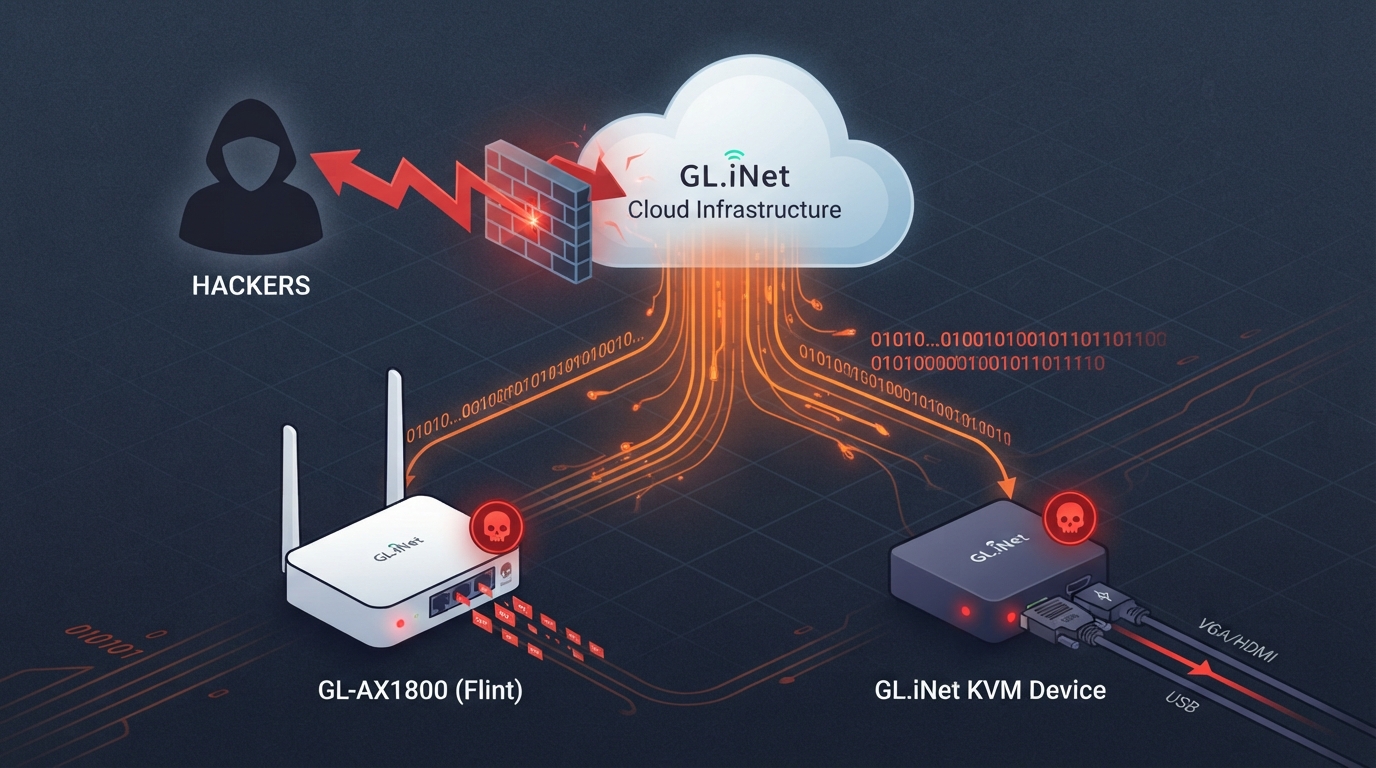
Hackers exploited a vulnerability in GL.iNet‘s cloud remote management service to install malware on certain routers and keyboard, video, and mouse (KVM) devices, prompting the company to patch its cloud infrastructure and issue security firmware recommendations.
GL.iNet discovered the security flaw on November 20, 2026. In an update published November 23, the company announced that it had patched the affected cloud service and blocked the access method used in the attack.
However, the cloud-side fix does not clean devices that were already compromised. Owners must install the recommended firmware to remove the malware identified in the incident.
The company has not disclosed the attacker’s identity, the malware’s name or the number of affected devices. It is also investigating whether computers connected to compromised KVM devices suffered separate infections.
GL.iNet identifies affected devices and firmware requirements
GL.iNet recommends installing the latest stable security firmware available for each device model, even when initial malware checks return negative results.
According to the company’s advisory, the recommended router firmware is version 4.11.1 or later for the GL-MG1300, GL-MT3000 and GL-MT6000.
However, firmware availability differs between models. GL.iNet’s download page lists version 4.11.1 for the GL-MT6000, while the reviewed download pages for the GL-MG1300 and GL-MT3000 did not yet display that version.
For KVM devices, the company specifies firmware version 1.8.7 or later for the RMQ1 and version 1.10.3 or later for the other listed KVM models.
GL.iNet says the recommended firmware removes the malware identified in this incident without requiring a factory reset or deleting existing device settings.
How to check GL.iNet devices for malware
Router owners can perform an initial infection check through the device’s administration interface.
Open the admin panel and navigate to System → Advanced Settings. Sign in to LuCI, then open Status → Processes.
Search the running processes for `tmp/.log` and check for the exact entry `crond -i /tmp/.log`.
KVM users should access Toolbox → Terminal → Access and execute the commands provided in GL.iNet’s security advisory. A line displaying only the search command does not count as a positive match.
Finding the specified process entry indicates a possible infection. However, GL.iNet warns that these quick checks may not identify every compromised device, meaning a negative result does not guarantee safety.
The KVM findings require additional attention because these devices provide remote console access to connected computers. Owners of potentially infected KVM devices should inspect connected systems for unfamiliar applications, browser extensions, user accounts, startup entries and scheduled tasks. A full security scan is also recommended.
Users should contact GL.iNet support if the required firmware is unavailable, installation fails or the malware indicator remains after updating.
GL.iNet says it will email customers it identifies as affected. However, device owners should not wait for notification before checking their equipment and installing the appropriate stable security firmware.